
Choose one thing to explore
Length, a color family or a different outline. Begin with a clear question so you can recognize what the preview helps you understand.
Hair Muse is an AI hairstyle try-on app for iPhone and iPad.
Try a haircut, bangs or hair color on your photo, then compare the shape and framing you love.
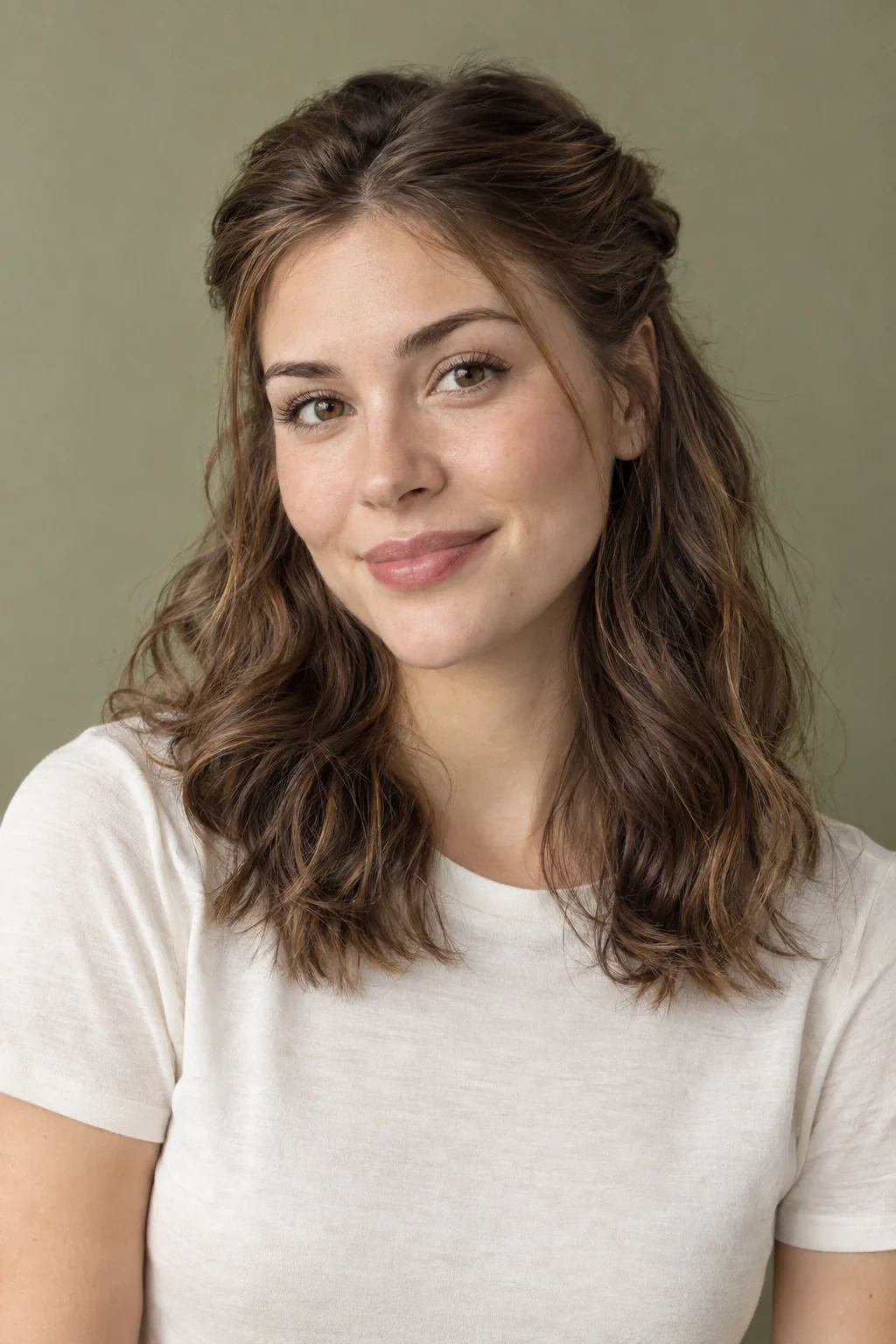
Length, a color family or a different outline. Begin with a clear question so you can recognize what the preview helps you understand.
Use an in-focus photo with your full head visible and even lighting. Read the app’s photo-processing information before you continue.
Compare the broad silhouette and framing, then ask a stylist how to adapt the direction to your texture, routine and starting point.
Yes. HairSparks is published by the company behind Hair Muse. App links are promotional, and the editorial approach is explained in our publishing policy.
Product details checked against the official App Store listing on October 15, 2026. Availability and features may change.
Hair Muse is an AI hairstyle try-on app for exploring haircuts, bangs and hair colors on your photo. Compare a bob with your current length, copper with brunette, or curtain bangs with an open front. Choose one clear difference first, then use the sections below to build a comparison you can explain.
Begin with the choice that keeps returning to your saved pictures. If every reference has a shorter lower edge, compare length first. If the cut stays familiar but the shades change, begin with color. If most of your attention goes to the forehead, make the fringe the subject of the comparison. Each starting point gives you a pair of ideas that is easy to describe.
Use one familiar portrait for the pair and give the two options simple names. “Jaw-length bob” and “collarbone lob” are easier to revisit than “the first one” and “the other one.” In Hair Muse, explore the haircut, bangs or hair color direction that matches your question. Read the pair together before collecting another set.
| Your question | First direction | Second direction | Detail to compare |
|---|---|---|---|
| Should I go shorter? | A collarbone lob with an open front and a clean lower edge. | A jaw-length bob with the forehead similarly open. | Look at the space around the neck, where the ends sit beside the jaw, and how much hair remains in front of the ears. |
| Would bangs change the look? | The length you already like, with a middle part and an open forehead. | A similar length with parted curtain pieces or a lighter fringe. | Notice how much forehead is visible and where the shortest front sections connect to the sides. |
| Do I want warmth or more depth? | A deep brunette direction that keeps a quiet relationship with your clothes. | A warm chestnut or copper direction in the same hairstyle family. | Compare the color beside your usual neckline and the amount of contrast you enjoy near the face. |
Scroll sideways to compare →
Once one pair gives you a preference, write it as a single observation: “I like the clearer neckline,” “the parted front draws me in,” or “I prefer warmth through the lower lengths.” Keep that note beside your favorite direction. You can then explore a second detail, such as whether the bob has a blunt edge or softer movement, while keeping the first decision clear. This creates a shortlist with a reason behind each picture.
Choose a photograph where you recognize your ordinary appearance. A simple background and even light make the hair outline easier to read. Keep the whole head in the frame and avoid a photograph in which a hat, hand or large accessory hides the area you want to change. A beauty filter can introduce extra differences before the hairstyle experiment has even begun.
Keep the original image available beside any result. Without that reference, it is easy to prefer a picture because it changes lighting or the overall atmosphere. Compare the hair first, then notice whether the surrounding image has also shifted. If those changes make the result hard to interpret, treat that particular image as inconclusive.
You can bring real front, side and back photographs to the salon separately.
Look at the widest point, the distance from hair to neck and the position of the ends. Those features tell you whether the general silhouette interests you. Do this before focusing on glossy strands or an unusually perfect finish.
Notice the area around the brows, cheeks and ears. A small change here may explain most of your reaction to the image. Identify whether you enjoy the openness, the softness or the direction, rather than assuming you want every element of the cut.
Picture your glasses, work clothes, commute and usual styling habits. If the shape only appeals with unfamiliar clothes or a finish you would rarely create, keep it as an occasional inspiration rather than an everyday requirement.
Write down what the preview did not settle. You may like the bob but still need to know whether it can tuck behind your ears. You may enjoy the color without knowing how it would grow out. Those are useful questions to carry forward.
| You are exploring | Look for in the image | Ask a professional |
|---|---|---|
| A shorter haircut | The overall perimeter and open space near the neck. | How that outline would sit with your density and growth patterns. |
| A different fringe | The position and direction of the shortest front pieces. | How they would dry, move and fit your preferred upkeep. |
| A color family | The visual relationship between shade, face and clothes. | Which process and maintenance could suit your starting hair. |
| More movement | Where the silhouette looks fuller or lighter. | Which parts come from the cut and which depend on styling. |
Scroll sideways to compare →
You can use the image by pointing to the effect you want and inviting a professional to explain the closest workable version.
Hair Muse also includes AI style analysis and an AI stylist. They can add prompts to a style conversation when you are unsure what to explore. Keep your own preferences visible when using suggestions: how you want to feel, what you like about your current hair and what you are willing to maintain.
Lighting, framing and presentation can influence what appears in it. Use any suggested direction as something you may test, decline or reinterpret. For a practical service decision, a stylist or colorist needs to work with your actual hair and history.
“The shorter outline interests me, but I prefer the softer front in my original photo. Can we combine that feeling with enough length to tuck both sides?”
This illustrative question is more useful than asking for a perfect copy of a generated picture. It identifies what the experiment clarified and what you want to preserve. You can make the same kind of note for color: perhaps you like the extra warmth but want a quieter contrast or a different approach near the roots.
Keep only the results that help you articulate a decision. If several images show nearly the same idea, choose the clearest one. Add the original portrait and a note about your routine. Your HairSparks moodboard can hold the editorial references and written brief; it remains separate from the saved looks inside Hair Muse.
A dramatic result can be exciting at first and less convincing when you return to your normal clothes and routine. Save the version that interests you, then look at it again with the original portrait nearby. Ask whether the haircut detail still appeals after the novelty of the image has settled.
You can also explain the preference aloud without showing the photograph. If you can say that you like a clearer neckline and a softer front, the experiment has given you something useful. If the only description is that the image looks better, inspect which changes outside the hair may be influencing that reaction. A more focused comparison may answer the actual hairstyle question more clearly.
Hair Muse is a separate app for compatible iPhone and iPad devices. The official App Store listing is the right place to check current compatibility and availability.
Read the information presented in the app before submitting a photograph or accepting a purchase. Website moodboard storage and app photo processing are different systems. HairSparks does not upload your photographs, synchronize your board to an app account or recover app purchases. Our contact page points you to the appropriate support channel when you need help.
Both products are published by Rocket Digital Ltd. That relationship is why this website links to Hair Muse when a personal preview is a useful next step.