
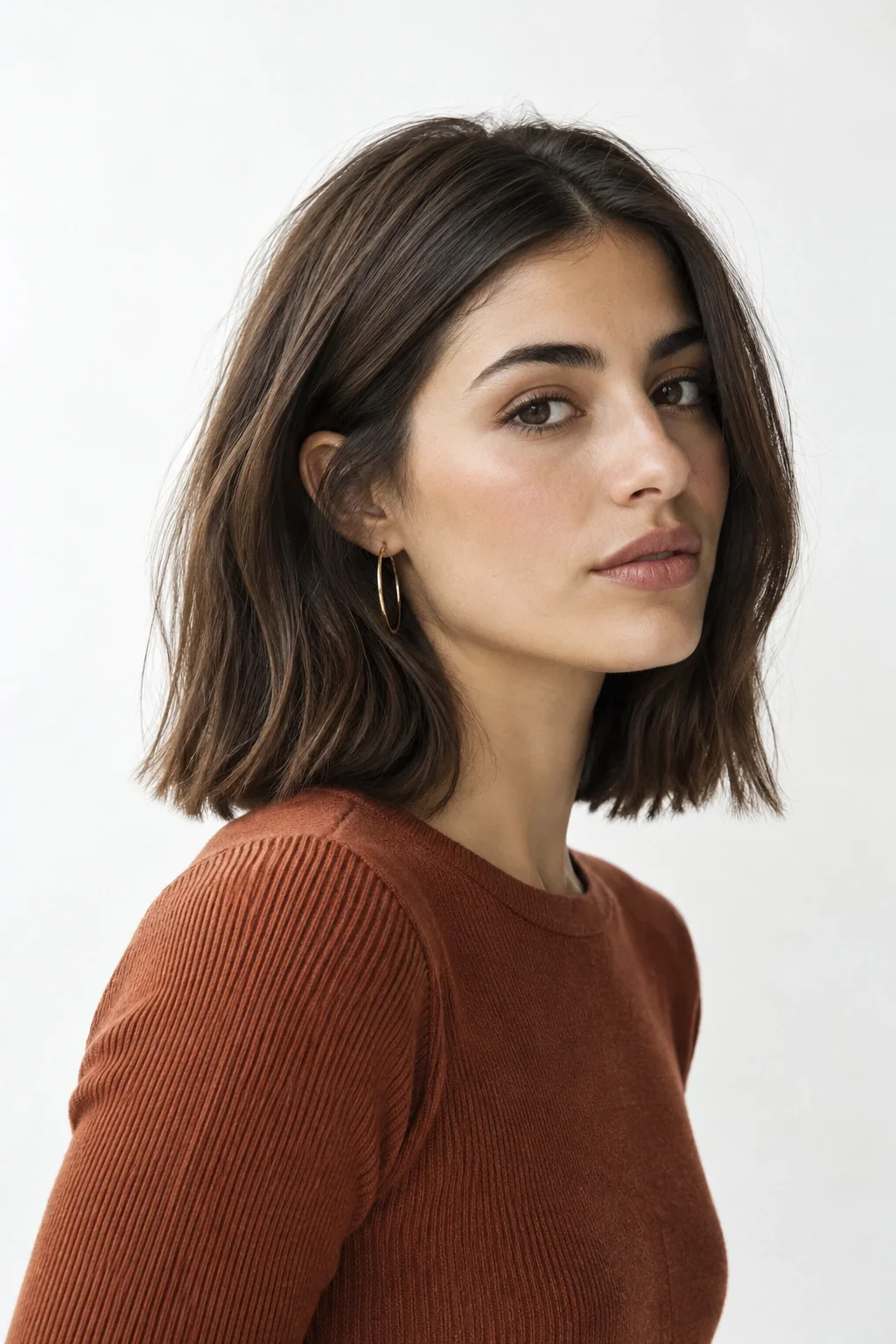
Pick the change that would matter when you get dressed tomorrow. A shorter perimeter could clear a collar; longer front pieces could preserve an ear tuck; a more compact outline could expose earrings. Use that preference to choose the lengths you explore in Hair Muse.
Read the main outline first, then the shortest piece. Two cuts can share the same longest length while behaving very differently around the forehead. A preview helps you notice that visual difference.
An AI hairstyle changer, also called a haircut simulator, lets you explore a different cut on your photo. Use Hair Muse to compare a familiar length with a distinct alternative, then look at the face frame, the lower edge and the space around your neckline. Keep your first experiment focused so the haircut difference is easy to name.
| Your question | Compare | Inspect |
|---|---|---|
| “Should I get a bob?” | Your current length beside a bob ending below the jaw. | The lower edge, the open neck and the hair left beside the ears. |
| “Keep length, change the front?” | A long open front beside shorter face-framing pieces. | The shortest point and whether you still want it to tuck or join a tie. |
| “Softer or more defined?” | A clear-edged perimeter beside a more broken-up outline. | The cut shape separately from waves, volume or other styling in the image. |
Scroll sideways to compare →
Return to the original portrait, identify what you can still compare, and leave unclear details out of your final decision. Bring the strongest direction to a stylist with your usual routine in mind.