
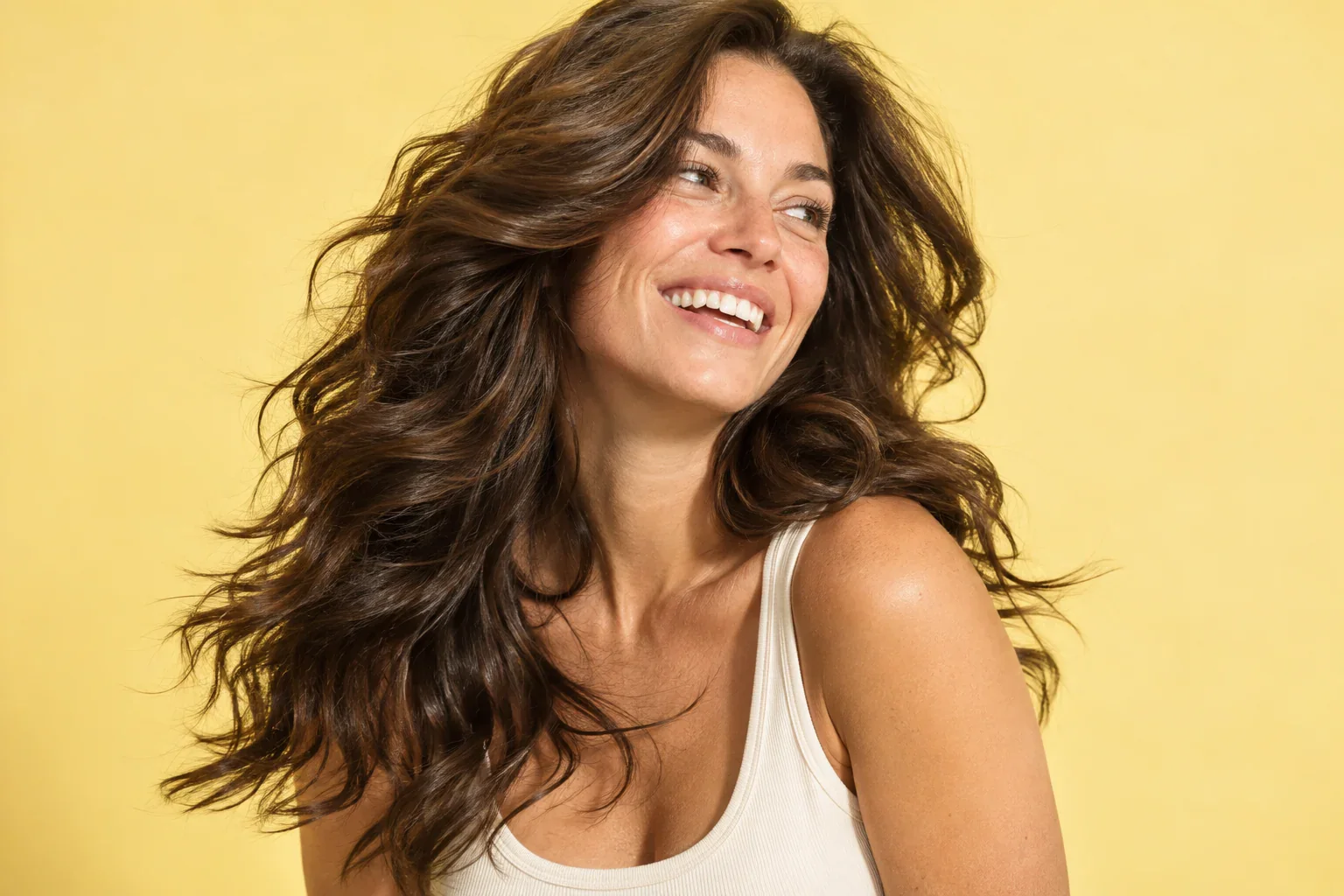
 Long / Wavy
The soft volume
Full movement. Easy energy.
Find hairstyle inspiration in bobs, long waves, short curls and new color directions.
Filter by length and texture, save the details you love and build your own hair moodboard.
Long / WavyFull movement. Easy energy.
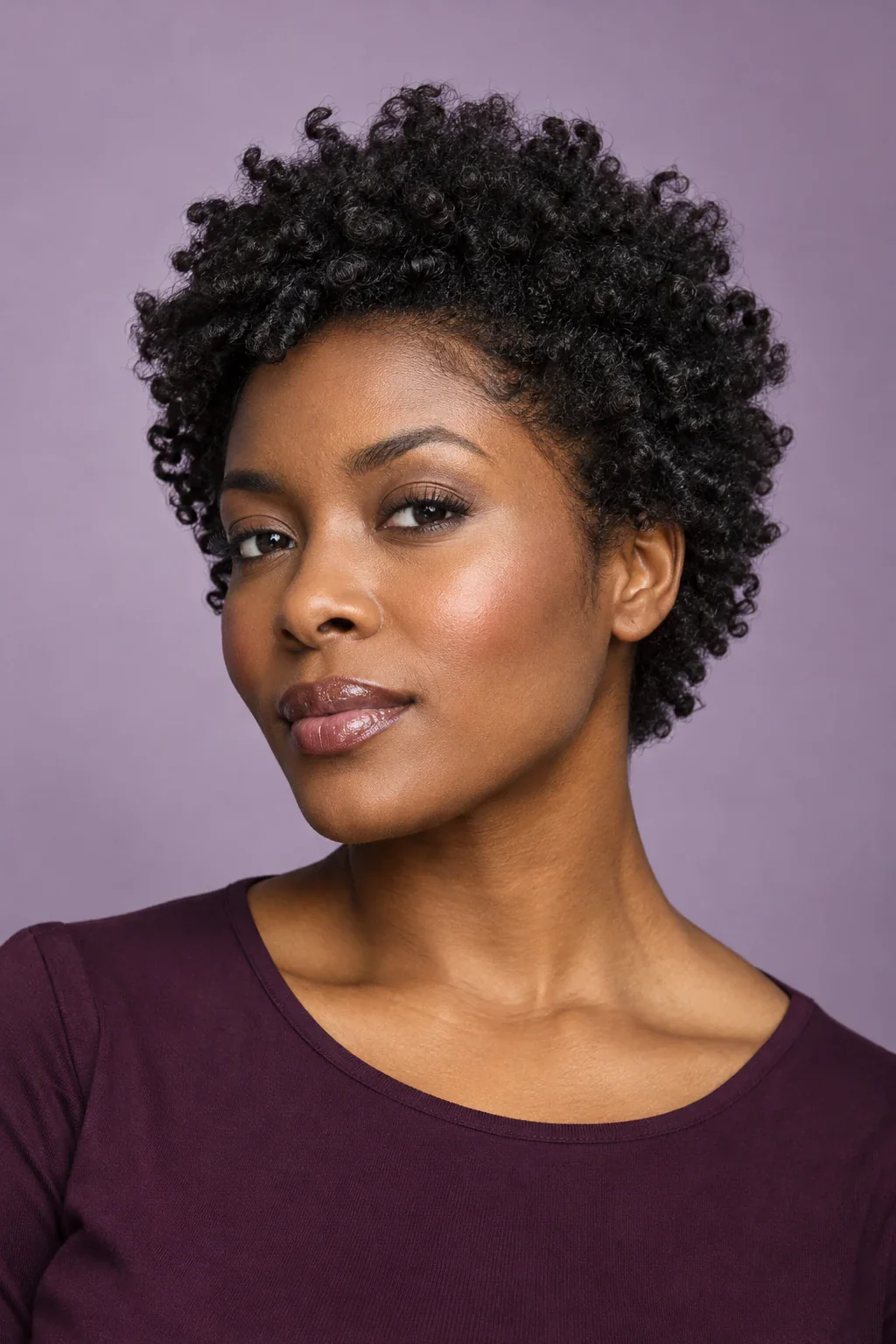 Short / Curly
Natural texture. A strong point of view.
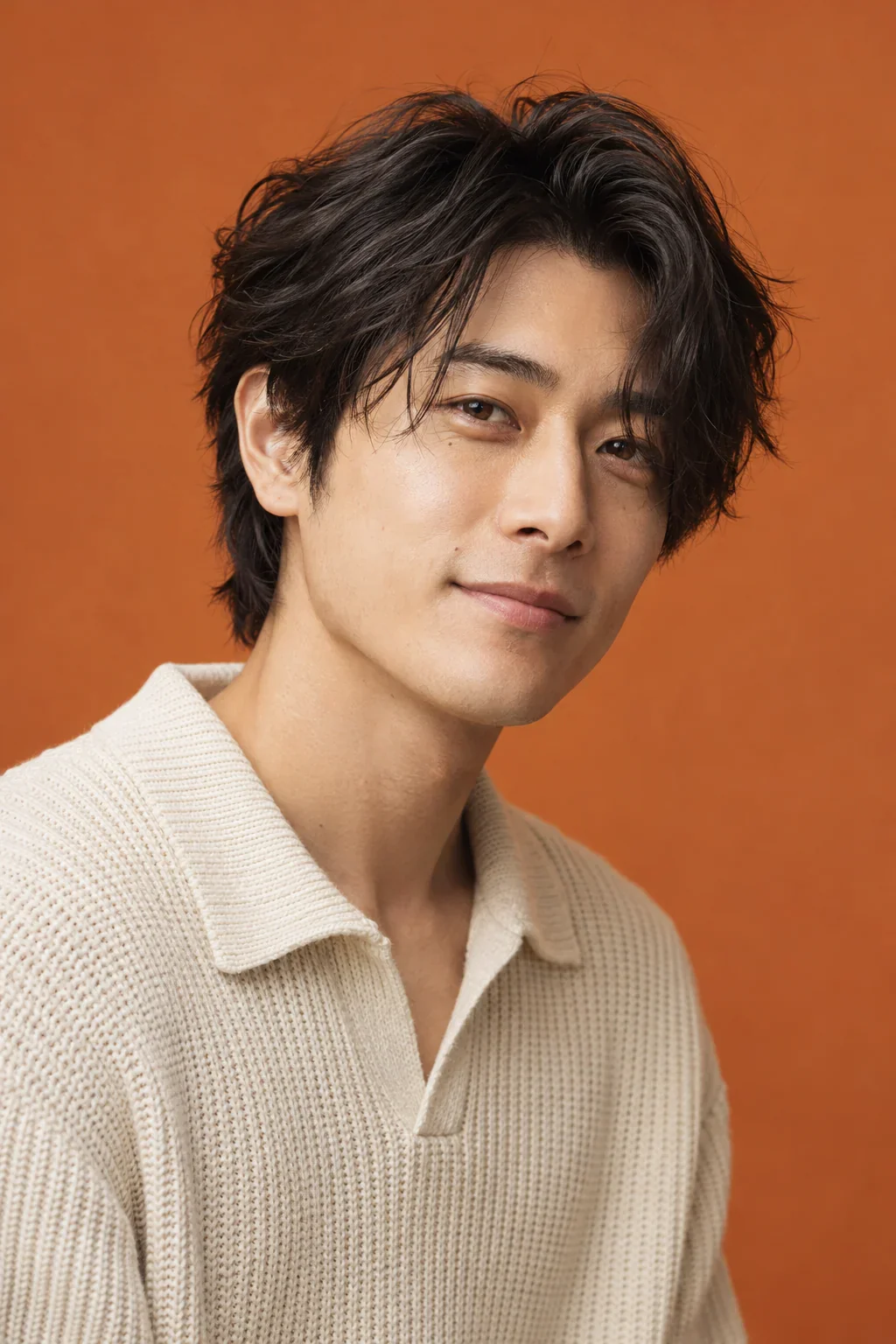 Short / Straight
A little tousled. A lot of character.
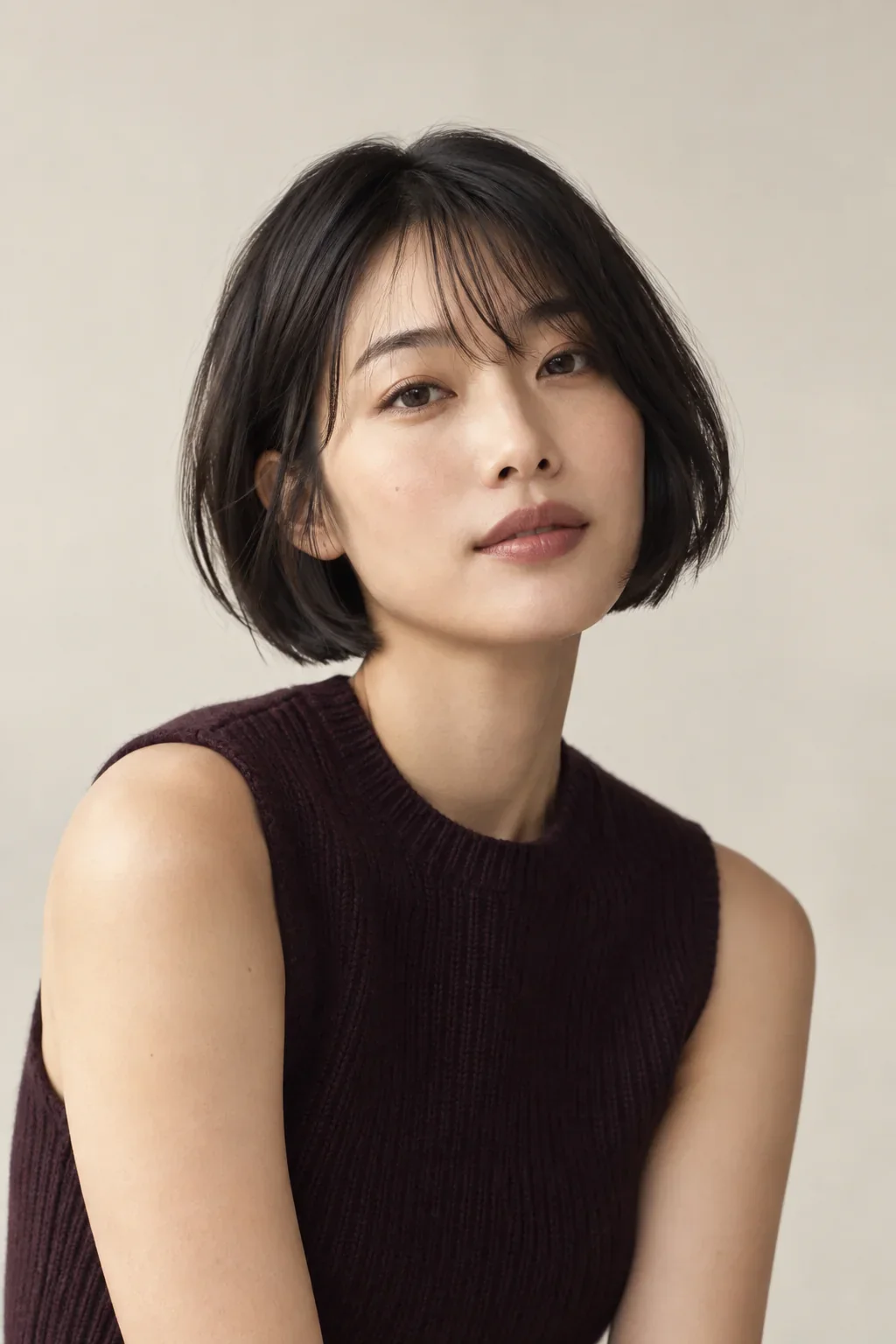 Short / Straight
Simple shape. Nothing to prove.
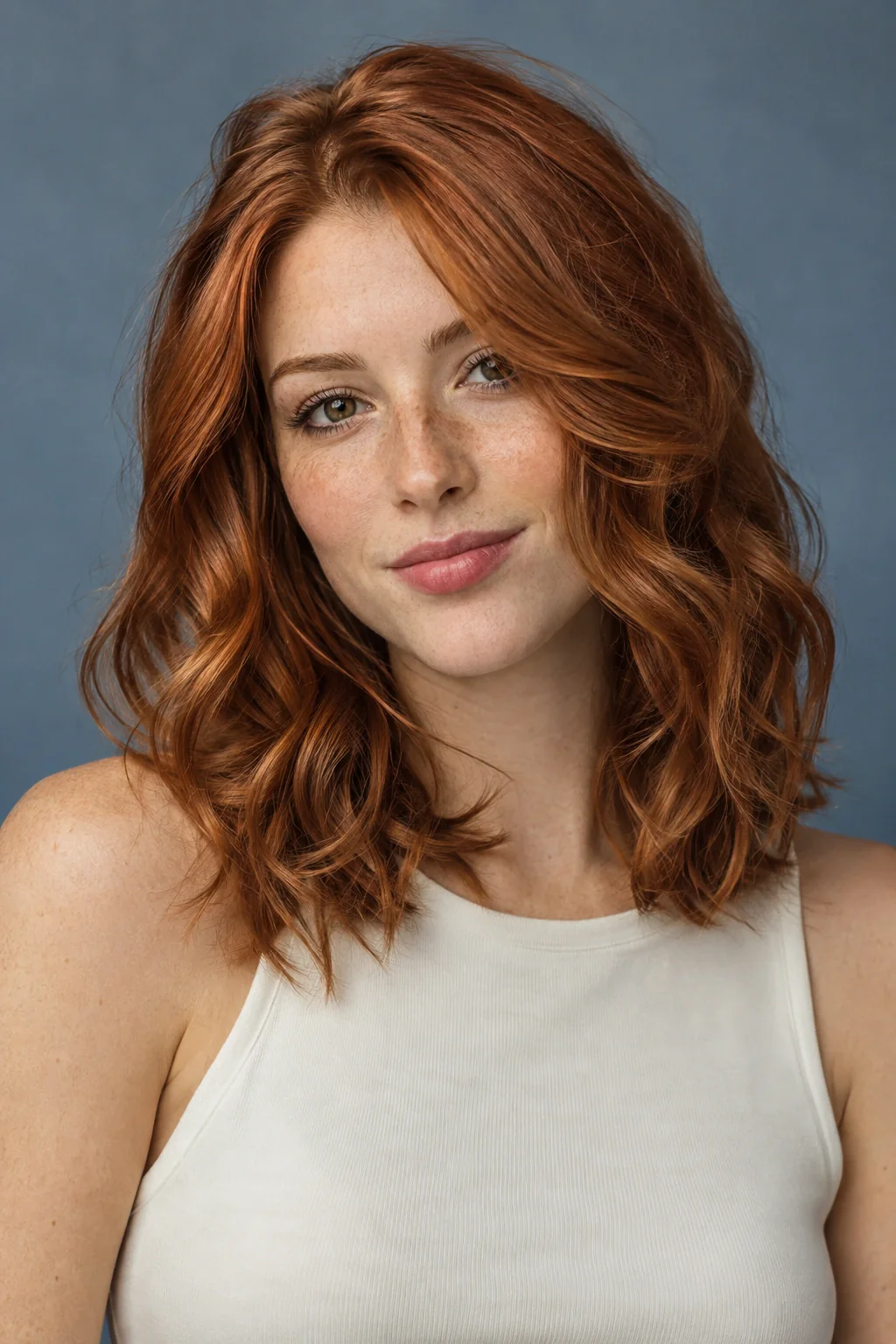 Medium / Wavy
Warm color. A softer kind of statement.
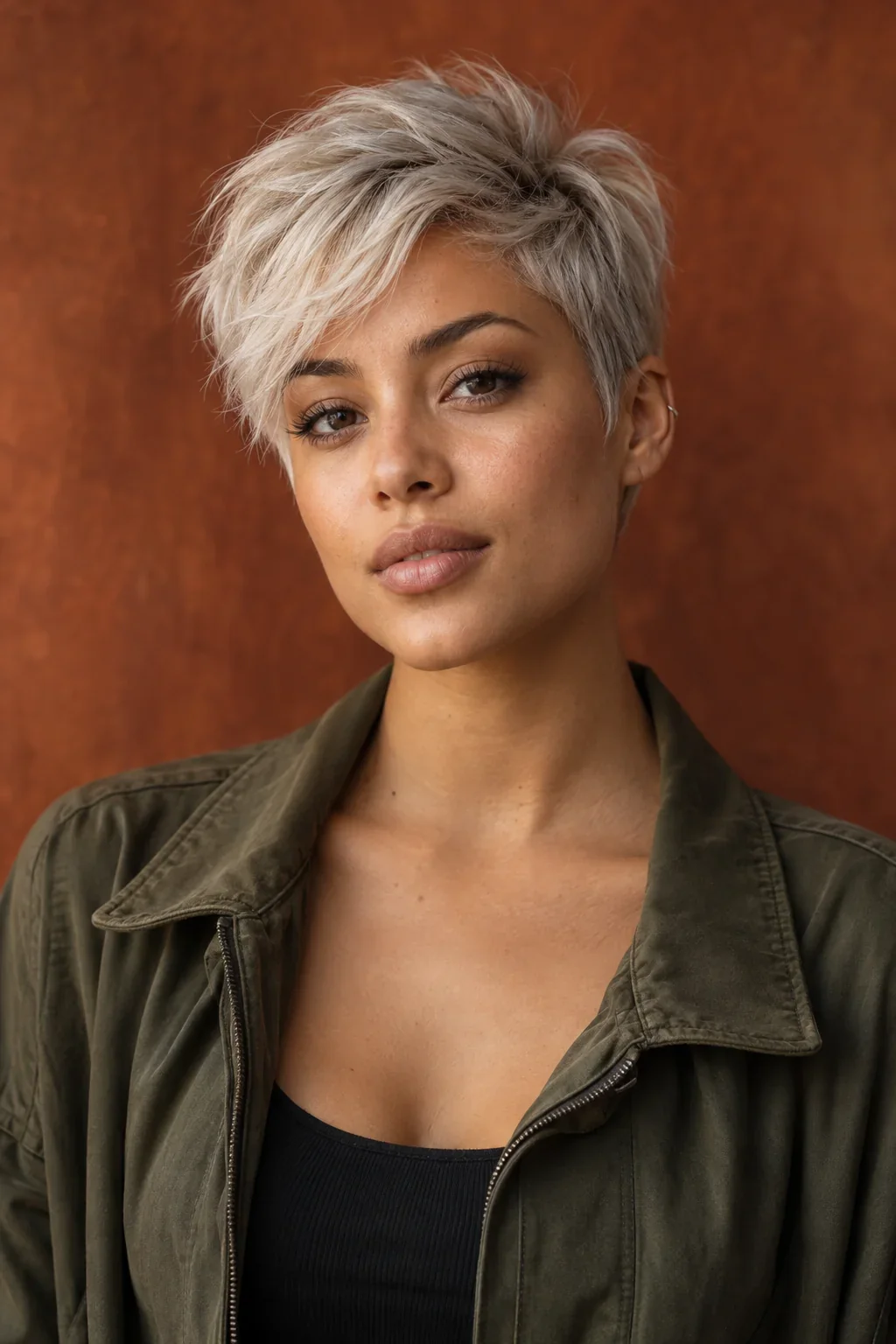 Short / Straight
Strong shape. Unmistakably personal.
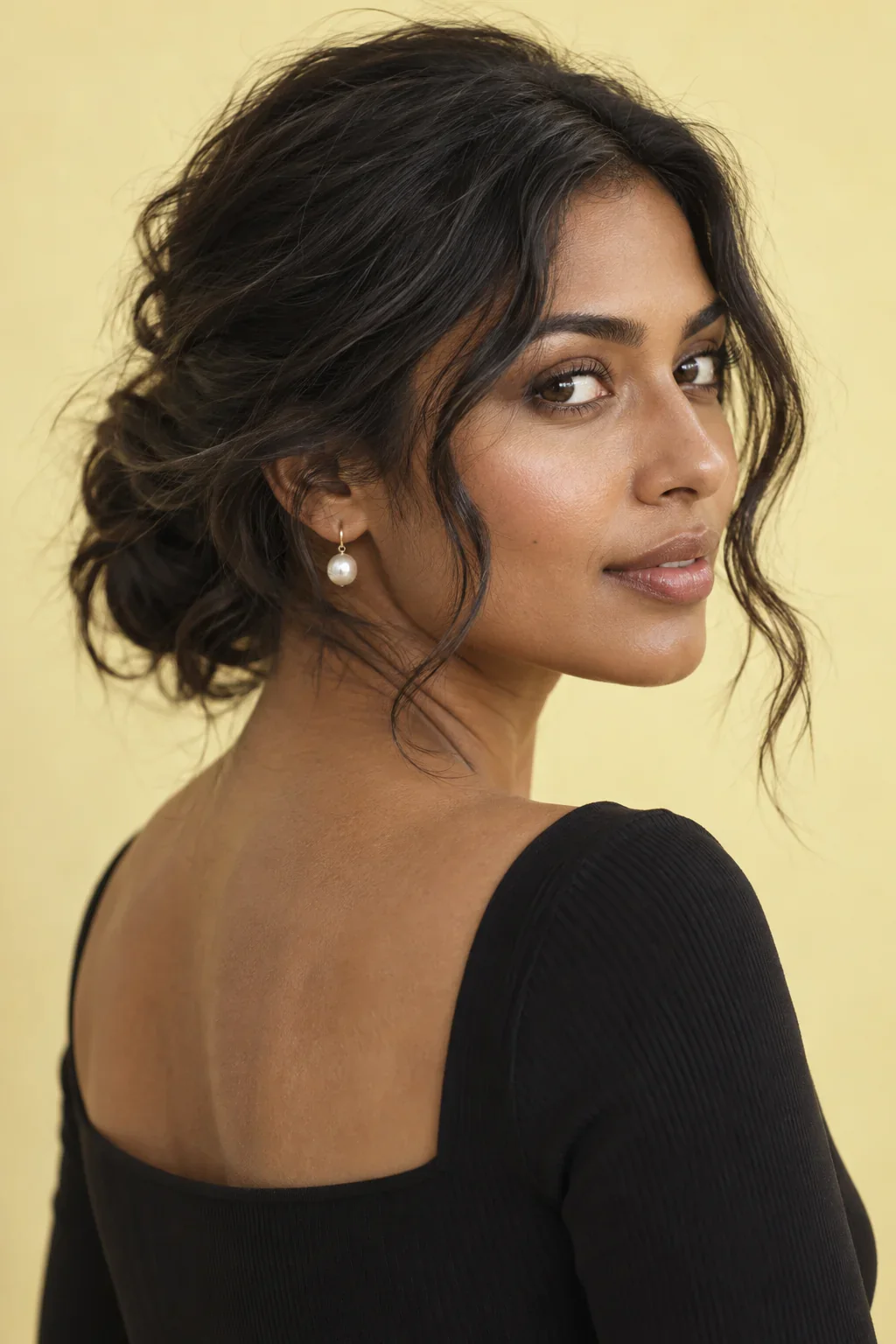 Medium / Wavy
Gathered loosely. Put together beautifully.
Try one fewer filter. You can borrow a mood without copying the texture.
Use this hairstyle inspiration collection to explore long waves, a chin-length bob, short curls, copper color and a silver pixie. Pick a detail you like, such as an open neckline or a softer front, then compare how it could work with your hair and everyday routine.
Length, texture and mood filters help you find a smaller set to inspect. They describe the editorial references, not a list of styles you are allowed to wear. If a combination returns no exact result, remove one filter and look for the part of the idea that still applies.
The reference collection has seven looks, so it cannot illustrate every possible haircut or texture combination. The accompanying guides and dedicated preview pages expand the questions you can explore. Use a missing exact match as a reason to describe your own adaptation rather than assuming the idea is unavailable to you.
Two genuinely different options can clarify your taste better than several versions of the same look. Pair a fuller outline with a compact one, an open front with a fringe or a quiet shade with a warmer direction. Keep enough in common that you can still tell which variable changes your preference.
Save the reference that answers one part of the question and add a note about the remaining uncertainty. You may like the shorter silhouette but want to preserve an ear tuck. You may enjoy a softer front without wanting the same overall length. Those mixed preferences are exactly what a useful moodboard should make visible.
Your hair’s condition, density, growth patterns and everyday styling are information the picture does not provide.
For a lasting change, ask a professional to explain the closest workable interpretation. Keep the feature that made you save the image at the center of the conversation, and let the practical plan adapt around your actual hair. The goal is a look that makes sense in your life, not a duplicate of a studio portrait.
Each portrait represents a distinct editorial direction, with its own look notes. You can explore many more decisions through the journal, mood and occasion pages. The collection is a set of starting points rather than a complete catalog of app styles.
No. The heart saves an editorial reference to this browser’s moodboard. Personal hairstyle previews are created separately in Hair Muse. Your website saves do not automatically transfer into the app.