
Choose an evenly lit photo with a visible hairline and uncropped ends. If one side disappears into shadow, move yourself or the camera before editing the image. A readable starting photo improves the comparison.
Build a clear starting photo in four moves
Use a window-facing position as your first setup. Stand far enough back that the light reaches both sides of your face, and avoid a bright beam crossing only the forehead or cheek. A sheer curtain may soften a strong patch of sunlight; moving to a different position is equally valid. You are looking for visible features, not a particular photographic mood.
Take a test image and inspect the outline at normal screen size. You should be able to trace the top, temples and ends without guessing. Follow the app's current photo instructions if they specify a pose or framing requirement. Keep the clearest original for later comparisons, even if another photograph looks more dramatic.
Avoid mixing several obvious light colors
When a room has daylight on one side and a strongly colored lamp on the other, different parts of the image may take on different casts. Nikon's white-balance guidance explains that illumination and camera processing affect recorded color. For a practical preview photograph, simplify the scene where you can. Use one main source of light and avoid colored decorative lighting near the face.
Look at familiar neutral objects in the frame as a rough warning sign, not as a calibration method. If a white wall looks strongly orange or blue, the photograph may also give a misleading impression of hair color. You can choose a clearer location instead of trying to repair the image with several filters. The goal is a useful comparison, not laboratory color accuracy; a phone photograph and screen remain imperfect tools for deciding an exact salon shade.
Make the hair boundary easy to see
Choose a background that lets you distinguish the head and current hair. A busy shelf or a pattern directly behind the outline can make visual inspection harder. Very dark hair against a very dark background may hide the perimeter; very light hair against a bright window can disappear at the edges. Shift your position until you can follow the outline comfortably with your eyes.
Keep the setup simple and repeatable. You do not need to buy a backdrop or rearrange a room. A plain section of wall may be enough. Check that the photograph includes the full area relevant to your decision, especially the top of the head and the length around the shoulders. An attractive crop that cuts off the current ends can make it harder to compare a new silhouette with the starting image.
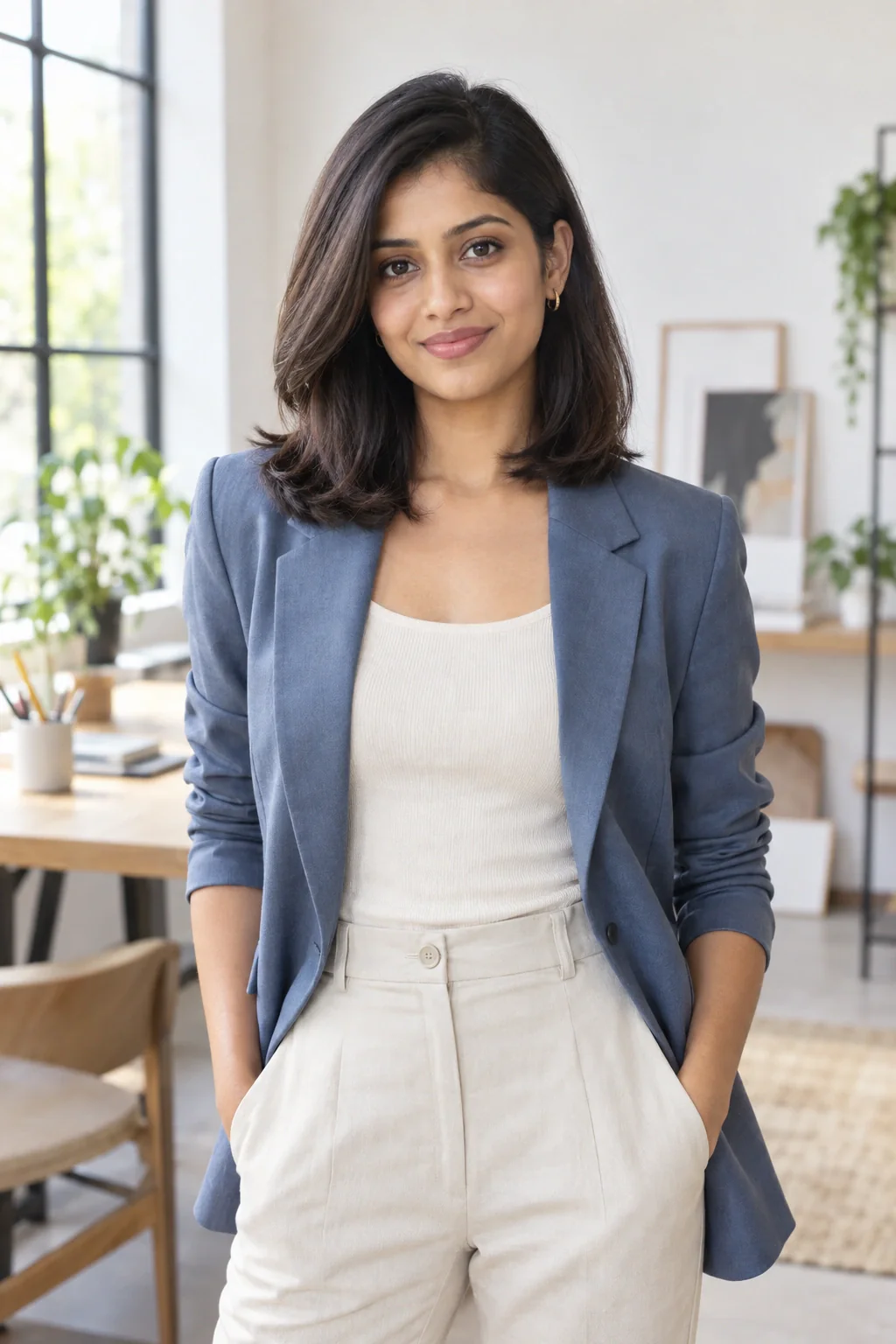
Use a camera position you can repeat
Hold the camera in a comfortable, consistent position and avoid deliberately exaggerated angles. If you take one photo from high above and another from low below, the visible proportions change along with the hairstyle. That makes the comparison less useful. Choose a straightforward view first, then follow the selected app's current photo instructions if it specifies a different pose or framing requirement.
Take a few options and select the clearest one rather than the one with the most dramatic pose. Keep your expression reasonably similar when comparing separate source photos. You are not trying to remove personality from the image; you are reducing unrelated differences.
Keep filters out of the starting comparison
Beauty filters, strong color edits, and deliberate background effects can change the image you are using as a reference. For the first comparison, use a straightforward photo that still resembles your normal appearance. If you start with an already transformed face or heavily altered color, it is harder to separate the effects.
Do not keep retouching the photograph until it looks ideal. A more flattering source image is not automatically a more informative one. Check practical details instead: focus, complete framing, a visible hairline, and a background that does not distract. Save the original so you can compare it directly with the result. That side-by-side inspection is more useful than relying on your memory of how the source looked before several rounds of editing.
Compare previews under the same viewing conditions
Use the same source photo when the tool allows and inspect your shortlist on the same screen with similar display settings. Avoid comparing one image in a dim room with a warm display filter to another outside at high brightness. You do not need to calibrate the device for a casual style exercise.
Focus first on broad features such as length, outline, part, and visible movement. If a color direction interests you, describe it in relative terms and bring several real hair references to a colorist. The preview may help you explain that you prefer more contrast or a warmer impression.
Retake the photo?
A blurry source photo calls for another photograph. Keep the source and result beside each other while deciding what to do next.
Retake the source when the fringe covers an eye you need to see, the top of the head is cropped, a strong shadow hides the hairline, or the ends blend into the background. Change the relevant condition and take another image. You do not need to change your expression, outfit and room at the same time; doing so makes it harder to tell which adjustment helped.
If the shade seems warmer on another screen, return to the same device and viewing conditions. Save comparisons you can describe plainly, such as a shorter shoulder line or a fuller fringe.
Use a retake checklist with a specific purpose
Before taking another starting photograph, identify what the current one makes difficult to judge. Is one side of the hair hidden in shadow, does the background merge with the outline, or has the framing cut off the ends? Change only the relevant part of the setup and take another image from a comparable position. This makes the retake a correction of missing information rather than a search for the most flattering photograph. The best input for a comparison is one whose visible boundaries and features you can interpret clearly.
Keep the original and corrected versions briefly side by side. Check whether the intended issue improved and whether another important area became less clear. If the hair outline is now visible but the camera crop excludes its length, adjust the framing before proceeding. Once the image answers the practical need, stop retaking. A controlled photograph is a starting point for exploring an idea, and repeatedly optimizing the portrait can distract from the hairstyle question you originally wanted the preview to help you discuss.
Keep a comparison log that includes the viewing context
When saving preview results, add a short note about the starting photograph and the device on which you are comparing them. You do not need technical measurements; a plain description such as front-facing room light, neutral wall and the same phone screen is enough to remind you of the context. Save the original beside the results so you can inspect what changed. This is particularly useful when a color direction appears compelling in one session but unfamiliar when you reopen it later in a different setting.
If you want to compare another lighting setup, treat it as a separate group rather than mixing all the results into one ranking. Keep the hairstyle direction consistent within each group where possible. Then ask which features remain clear across the comparisons and which seem dependent on the photograph. Use uncertain areas as discussion points, especially when considering color.
Your questions, considered.
Do I need a ring light for a hairstyle preview?
No. A clear image with even illumination may be enough. Use the equipment and light already available, and follow the app's current photo requirements.
Why does the same preview color look different on my phone?
Lighting, image processing, and display settings can affect the appearance you see. Keep comparisons on one screen under similar conditions, and treat the color as a direction to discuss rather than an exact salon shade.
Should I use my most flattering selfie?
Use a clear image that shows the relevant features and resembles your normal appearance. Dramatic angles, filters, or deep shadows may be appealing in a portrait but can make a hairstyle comparison harder to interpret.
Sources & what they support
The notes below explain the scope of each source. Hairstyle selections, outfit combinations and comparison exercises are HairSparks’s editorial suggestions; the links do not imply endorsement.
- Nikon: setting white balance ↗Explains how lighting and camera white balance affect photographed color. Supports checking color context instead of treating one screen image as an exact shade.
HairSparks and Hair Muse share the same publisher. App mentions are promotional. Read our editorial policy.