
Check framing and headset fit before restyling. If only the front gets in the way, secure that section and leave the length loose. If the band clashes with a high gathering, move the fastening below it or choose a flatter style.
Choose hair around the camera and headset
Open the call preview in your normal work position. Keep your shoulders relaxed and sit at the distance you use during meetings. If the camera cuts off the top of your hair, adjust the view before changing its shape. Then put on the headset or earbuds so you can see where the hair and equipment need separate space.
The easiest call hairstyle is the one that stays comfortable while you look down, type, and return to the screen. Use the options below to solve that movement. Natural texture can remain visible; a camera does not require a uniform smooth surface. Test the arrangement in a short moving recording instead of judging an isolated screenshot.
Separate lighting problems from styling choices
Look at the hair outline against the background. If it is difficult to see, try a simpler background or a different position in the available light. Nikon’s portrait guidance treats background and clothing as parts of the composition, and the same basic observation is useful for a call. You do not need photographic equipment to compare two positions and see which presents the texture more clearly.
Avoid immediately adding shine products or flattening the surface because the preview looks uneven. The camera may be emphasizing a particular area of light. Make one setup change and compare before touching the hair. If you prefer the hairstyle in ordinary light but dislike it only in one camera position, that is a reason to investigate the setup. Your natural texture does not need to be redesigned to satisfy a single poorly placed laptop camera.
Arrange the front for speaking and looking down
Read a short paragraph aloud, look at a note beside the screen and return to the camera. Notice whether a front section crosses your eyes or repeatedly distracts you. Secure only the part that causes the issue. A small clip, a light partial gathering or a change in direction may be enough. You can keep the rest of the hair loose and retain the silhouette you enjoy.
For short hair, the useful adjustment may be how the fringe sits rather than whether the sides are tucked. For curls and coils, work with a small group that already forms together instead of pulling the entire front flat. If you like face-framing pieces, leave the ones that remain comfortable during movement. The camera view should reflect a wearable hairstyle, not an arrangement you can maintain only by avoiding ordinary gestures or looking down at your work.
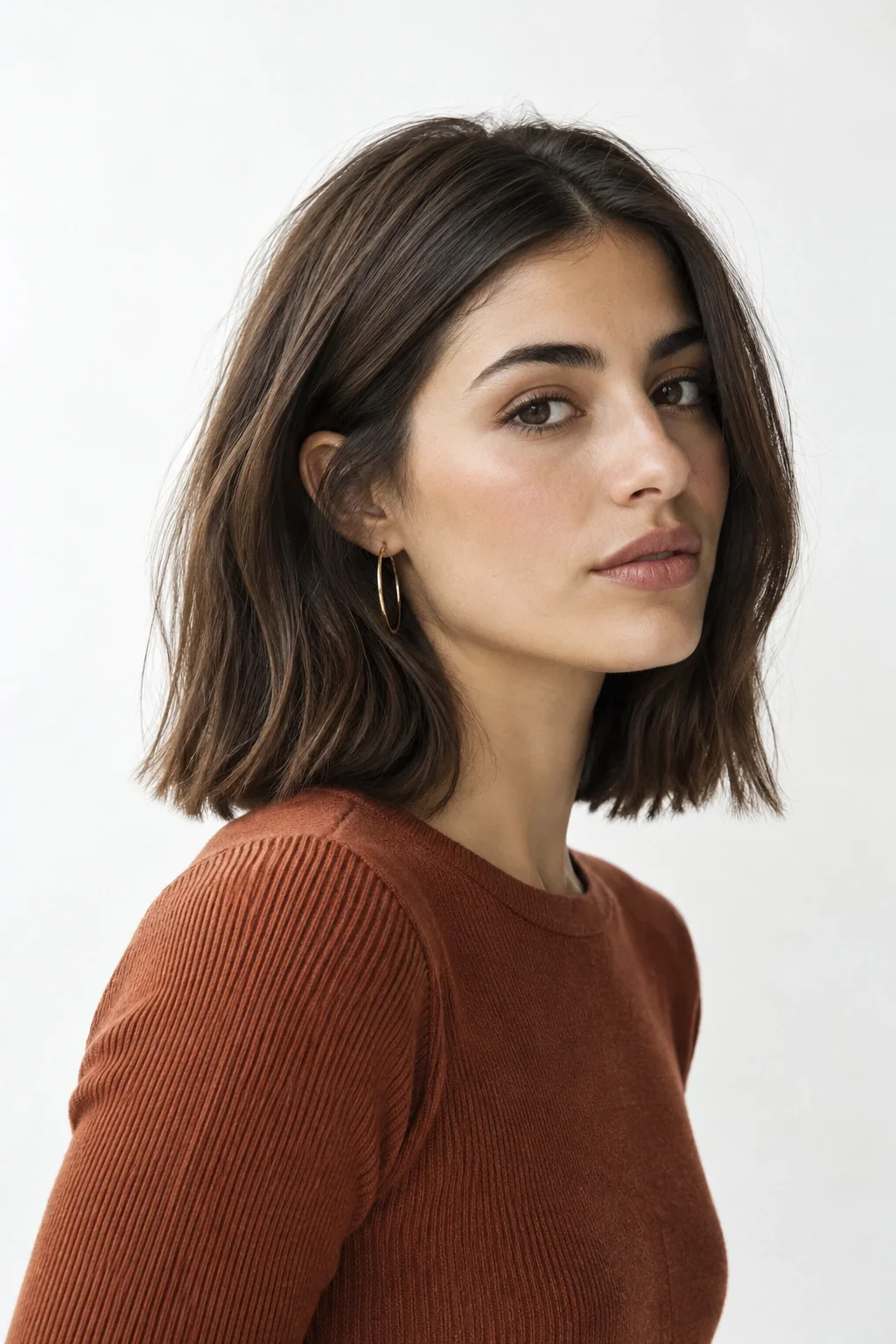
Give the headset its own space
Put on the headset or earbuds before finishing the hairstyle. A headband may sit across the area where you planned height or a clip, while an ear cup can displace tucked sections. Find a position that lets the equipment fit properly without uncomfortable pressure. If a decorative piece clashes with the headset, move it rather than compromising the equipment’s function. The hair and the work setup need to coexist.
Test the microphone position with loose lengths as well. You may want to move a section away from the microphone or wire if it repeatedly brushes against it. Make a short recording to check the actual interaction rather than guessing from the mirror. If you alternate between headset and no headset during the day, choose a hairstyle that can tolerate that transition. A simple, flexible arrangement is often easier than rebuilding a carefully raised section after every call.
Build a small routine for meeting-heavy days
Choose a repeatable sequence: settle into the work position, check the frame, arrange the front and put on the equipment. Keep the necessary fastener near the desk so you do not search for it before each meeting. This routine can take only a few practical decisions once you know what works. It should not become a requirement to restyle your hair for every person who appears on screen.
If your day includes long gaps between calls, you may prefer to release a gathering and restore it later. Use a fastening you can manage easily and comfortably. If your hair changes during the day, decide whether the change affects visibility or only differs from the morning image. Not every shift needs correction. A workable routine responds to actual interference while allowing the hairstyle to remain natural and comfortable over several hours.
Judge a moving preview instead of a screenshot
A screenshot can exaggerate a moment when a section has shifted or your head is at an unusual angle. Record a brief sample while speaking and turning, then watch it at the size a meeting participant is likely to see. Check the overall outline, face visibility and equipment interaction. Avoid zooming in until every strand seems significant. The practical image is a moving conversation, not a retouched portrait.
If you want to compare options, keep the camera and lighting stable. Try your usual style, one open side and a lightly gathered front. Change only one thing at a time so you can tell what affects the result. Choose the version that feels comfortable while you speak. If two versions look equally good, the easier one may be the more useful everyday choice. Save the more elaborate arrangement for a day when you actually want to wear it.
Save a desk setup, not a new hairstyle every morning
Once the frame works, note the camera position, chair distance, and fastener location. Keep the appropriate clip near the desk, so the next meeting begins with the same setup. You should not need to reconstruct the hairstyle every time the platform opens. Repeat the quick check only when the equipment, seating, or hair length changes.
Before a meeting-heavy day, try removing and replacing the headset twice. If it drags a tucked section out, route that section outside the ear cup or choose a separate flat clip. If a raised style collapses beneath the band, move the height away from the contact area or use a lower shape. Listen to a short recording if loose hair touches the microphone; appearance alone cannot tell you whether the contact is audible.
After the setup check, direct your attention to the meeting. If watching your own image becomes distracting, use the platform’s option to hide self-view when available. Keep the adjustment for a later break unless the hair or equipment is interfering. The routine has succeeded when you can read, listen, and speak comfortably for the call’s duration, not when the small preview remains identical to the first frame.
Build a call setup around a real working movement
Choose the action you perform most often during a call: looking down at written notes, turning toward a second screen or putting on headphones midway through a meeting. Watch a short camera preview while doing that action. The useful question is not whether your hair stays perfectly still. It is whether it crosses your eyes, interferes with the equipment or makes you interrupt the movement to rearrange it. This gives the styling decision a specific job instead of making the entire front view a problem to solve.
Try one change and repeat the same movement. You might redirect the section near the second screen, move a clip away from the headphone band or gather a small front panel. Keep the rest of the shape familiar. If the adjustment works, save a quick note about its location and stop testing. A good meeting arrangement can remain visually relaxed while removing the one recurring distraction that made the original setup frustrating during an otherwise ordinary working day.
Create a shared setup for short and long meetings
Compare your needs for a five-minute check-in and a longer presentation. The short call may need no hair preparation beyond moving a section out of the way. The presentation might justify a more deliberate front arrangement because you will speak, refer to notes and stay on camera longer. Keep a common base so you are not inventing a new style for every calendar entry. Place the accessory for the longer version beside the equipment you actually use, where it can be found without searching.
Test both versions in the same camera frame, wearing an ordinary work top. If the difference is barely visible but the longer version feels less comfortable, simplify it. If the arrangement improves concentration, keep it even if it is visually subtle. Record the equipment positions along with the hair placement so the result is easy to recreate. This keeps the routine centered on a usable working environment and prevents small changes in camera angle or headset placement from sending you back through an unnecessary styling process.
Your questions, considered.
Why does my hair look different on camera than in the mirror?
The frame, background, light and camera position can all change what details are visible. Compare a few setup positions before restyling. A mirror also shows a larger moving context than a small call window. Judge the hairstyle while speaking at the actual display size rather than from one enlarged screenshot.
Should I flatten my hair to fit the video frame?
Not automatically. First see whether camera distance or framing can include the hairstyle you want to wear. If the setup is fixed, you can choose an arrangement that feels comfortable within it, but there is no reason to assume volume or natural texture is inappropriate for a video call.
What is the simplest way to handle hair and a headset?
Put the headset on during the styling check and leave room where its band and ear pieces sit. Move any conflicting clip or loose section. Test the microphone with a short recording. Choose a hairstyle that tolerates removing and replacing the equipment if that happens repeatedly during your workday.
Sources & what they support
The notes below explain the scope of each source. Hairstyle selections, outfit combinations and comparison exercises are HairSparks’s editorial suggestions; the links do not imply endorsement.
- Nikon: planning portrait backgrounds and clothing ↗Photography background on clothing and backgrounds in portrait composition. Our hairstyle and framing exercises apply that context to a personal photo.
HairSparks and Hair Muse share the same publisher. App mentions are promotional. Read our editorial policy.